OGI Template StudioBeta
Every link deserves a front page.
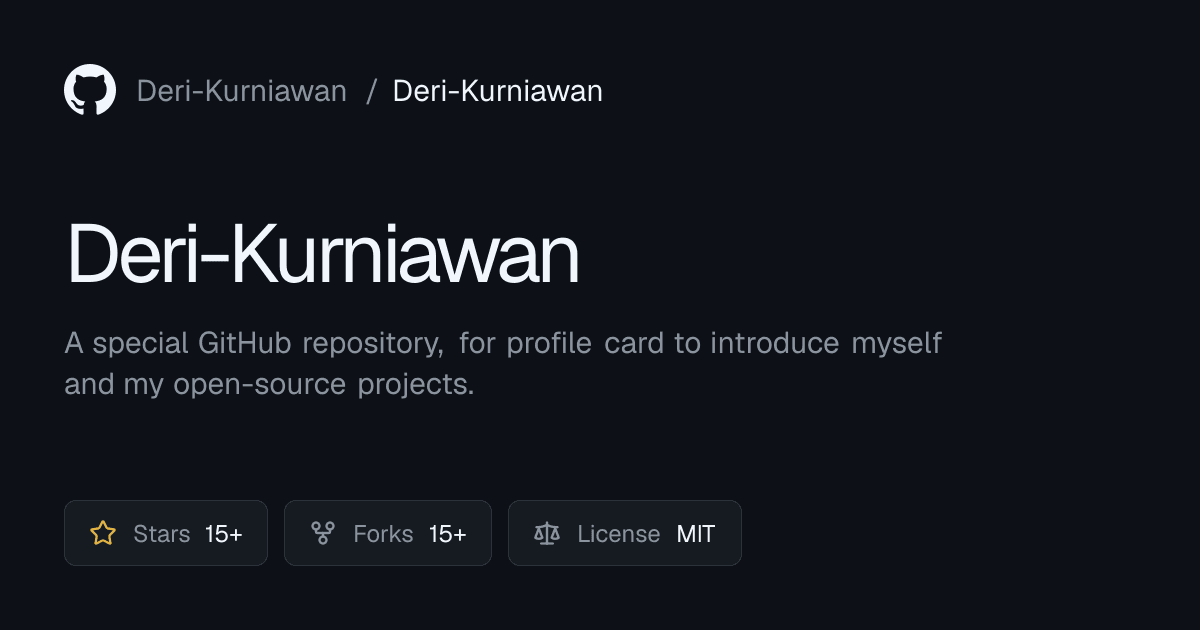
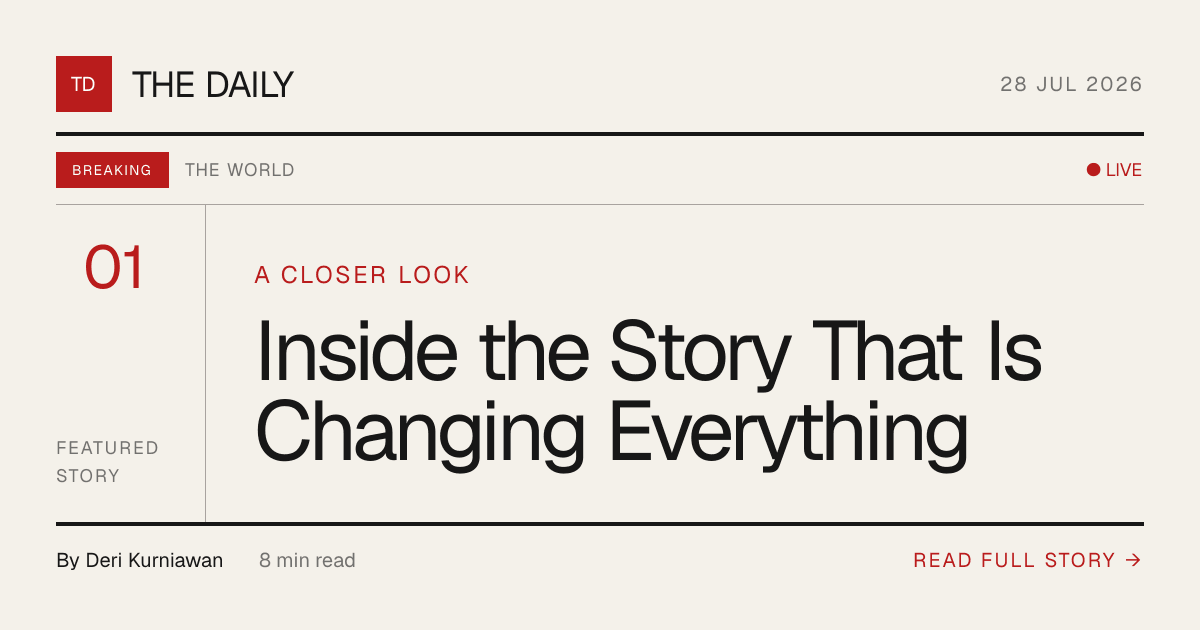
Design and ship 1200 × 630 Open Graph images without leaving the browser. Pick a template, edit the fields, watch the preview update live, then copy the meta tags or download your card.
- Templates
- 19
- Categories
- 12
- Format
- 1200 × 630

From the Front Page
Featured templates
A few of the ready-to-publish layouts waiting in the studio. Every template ships at the standard 1200 × 630.

Event Conference
A futuristic conference template with geometric SVG artwork, architectural grids, and bold editorial typography.

Quote Poster
A bold typographic poster for quotes and memorable statements.
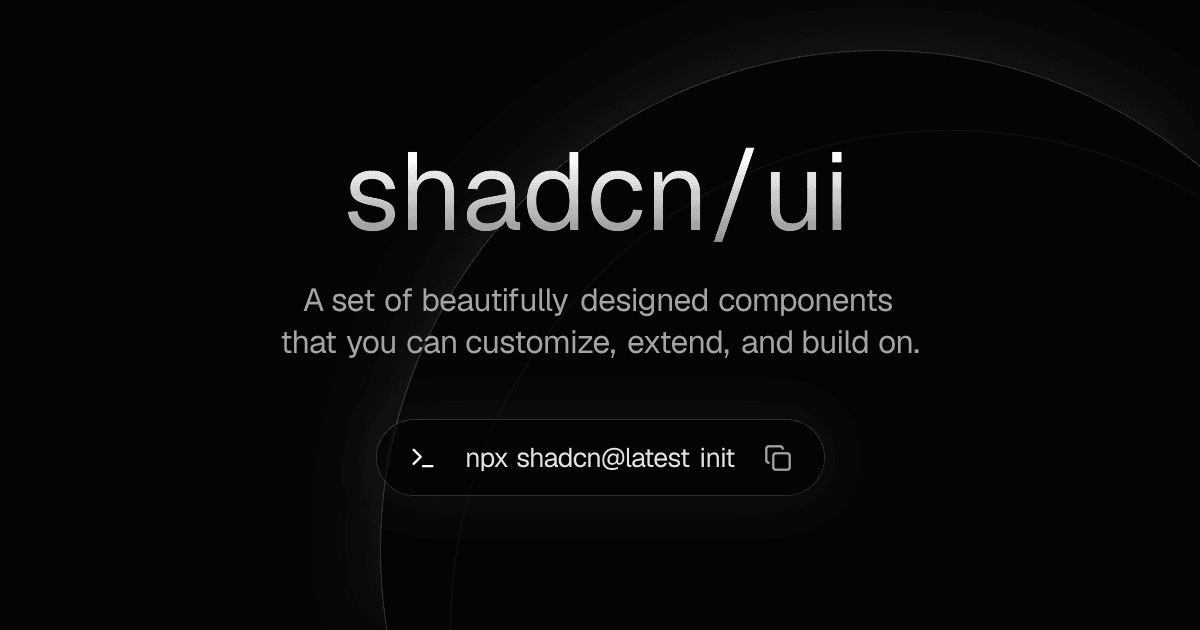
Product Showcase
A premium product showcase template with a large title, description, and installation command.
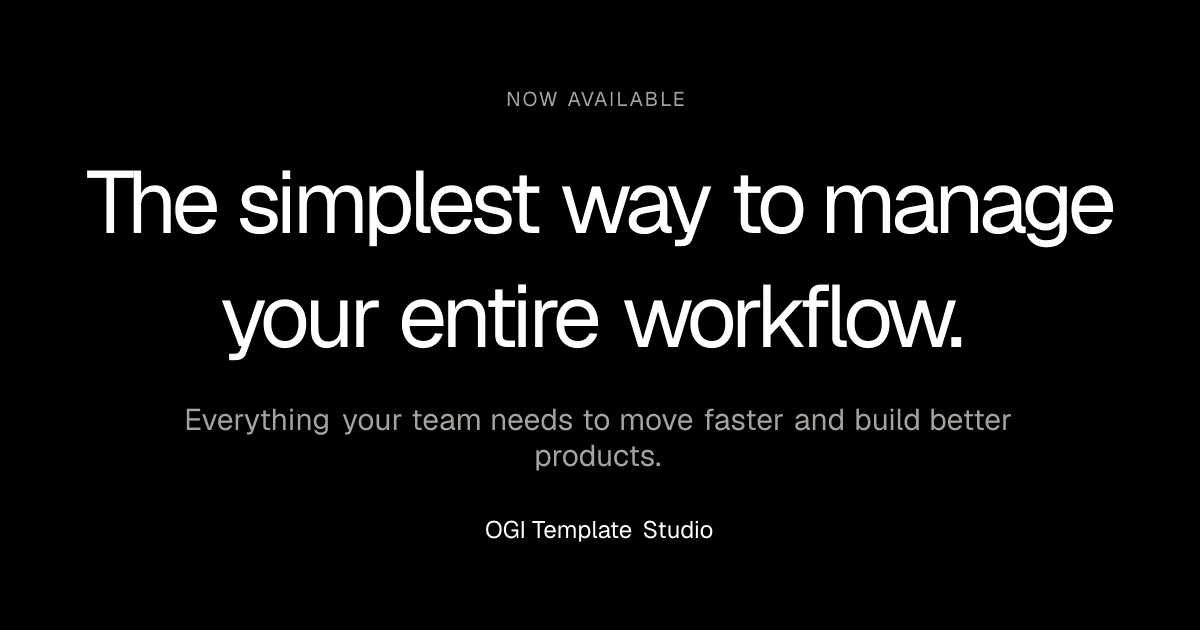
Product Launch
A bold product launch template for startups and new products.
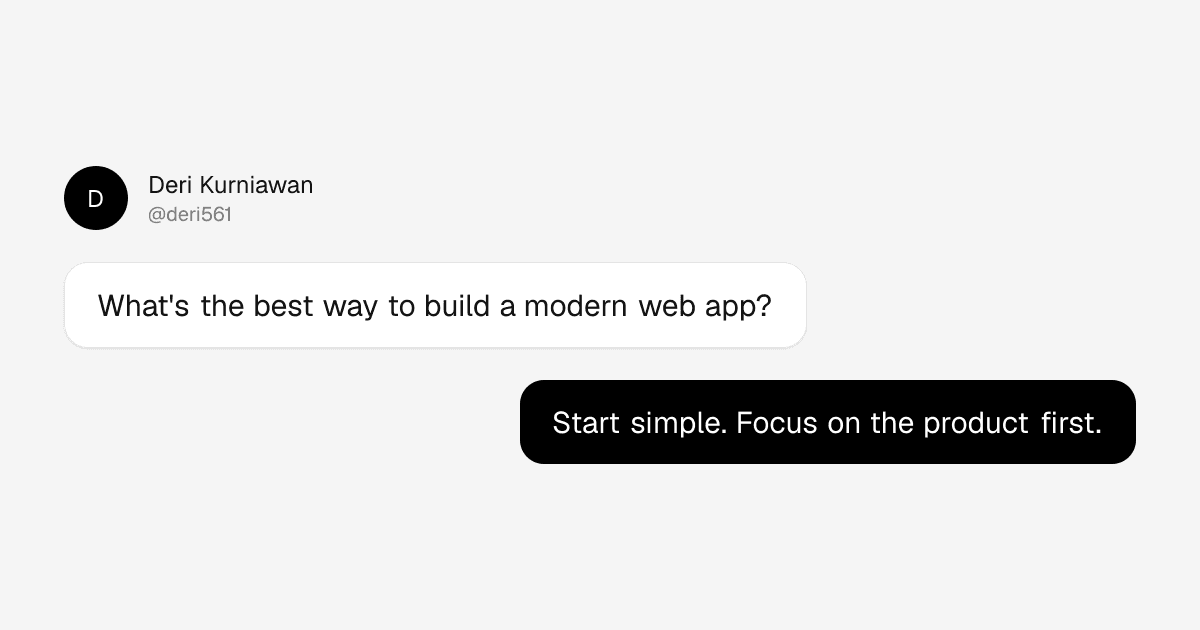
Social Chat
A conversation-inspired Open Graph image for social content and discussions.

Podcast Editorial
A bold editorial podcast template with oversized typography, atmospheric gradients, and custom audio-inspired artwork.
· the rest live in the gallery ·
The Studio
Tools of the trade
Everything you need to go from a blank card to a share-ready cover, without opening an image editor.
Under the hood
The essentials behind every card. Built server-side, sized to the standard, and ready the moment you hit share.
One card, every feed
Drop the link anywhere and the same cover follows. No per-platform assets, no fiddling with each network.
one linkzero extra work
The Method
From idea to link in four steps
No image editor. No design skills required. Just four moves between you and a link that looks like a story.
- STEP 01
Pick a template
Browse the front page and choose a layout for your blog, product, newsroom, podcast, or event.
1 of 4
- STEP 02
Customize the fields
Fill in the headline, description, and accents. Your edits are saved straight into the URL.
2 of 4
- STEP 03
Preview it live
The 1200 × 630 card renders as you type, so you always know exactly how the link will look.
3 of 4
- STEP 04
Export & ship
Copy the meta tags for your site, or download the image and paste it into your next post.
4 of 4ship it
Ready when you are
Set the headline for your next link
Stop pasting plain URLs. Open the studio, pick a template, and give every share a cover story worth reading.
Open the Studio